
Manage your library with Surpass
Surpass is an affordable management system for libraries of all types, including schools, public, church, museum, and corporate libraries. Whether you’re automating a library for the first time or looking to upgrade an existing library management system, we’re here for you!
Features to meet your library’s needs
Surpass was designed with your needs in mind, whether you’re managing a single small library or multiple libraries. We make it simple and friendly!

Anytime, Anywhere
Access your library from anywhere with our cloud-based software.

Patron Management
Import patron lists, assign groups, create photo ID cards, automatically email reminders and overdue notices, and more

User Friendly
Simple views, color-coded activities, and help no more than a click away, make it easy but advanced features are there when you need them.

Custom Reports
Get the exact information you’re looking for with our fast and customizable reporting options.

Public Catalog
Your patrons will love using your public access catalog to search for library resources. Customize it to make it yours.

Easy Cataloging
Cataloging your collection has never been easier. Just scan an ISBN barcode. Full MARC cataloging is there when you need it.

Self Service Station
With Self-Check, your patrons can check out, check in, and renew library resources on their own.

Inventory Management
Keep tabs on your library’s resources, discover whether anything is missing, and keep track of lost and found.
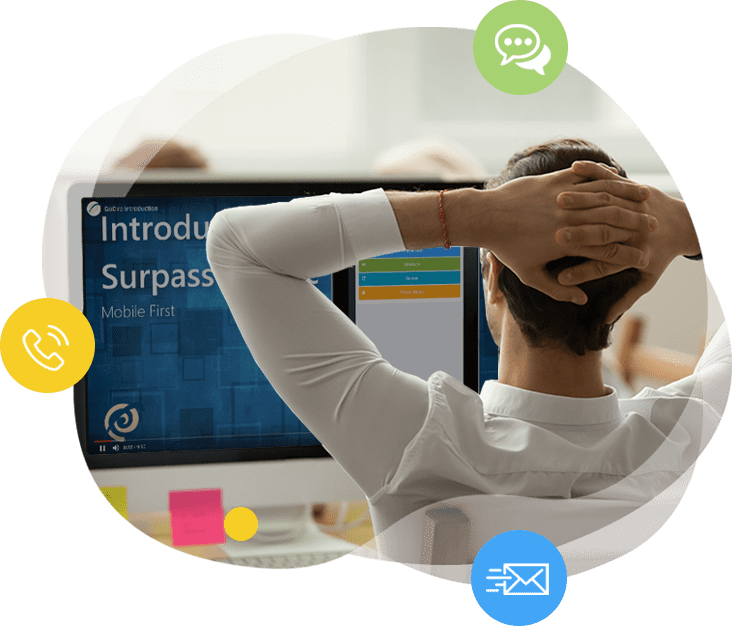
Here for you, when you need us
With over 35 years helping libraries with management technology, we’re here for you the whole way.
Supporting you with knowledge.
You have full access to our online support center filled with instructional videos, documentation, knowledge-base articles, and webinars. Our super-friendly and helpful library management specialists are standing by and always happy to help.
Keeping you going, automatically.
Surpass Cloud is always up-to-date. There is no software for you or your IT team to maintain.
Affordable Management Solutions that you can use anywhere you’re online.
Surpass Cloud goes with you anywhere. All you need is an internet connection and browser to monitor and manage your library, in-office or on-the-go. Use Surpass Cloud on your desktop, laptop, tablet, and even smartphone.
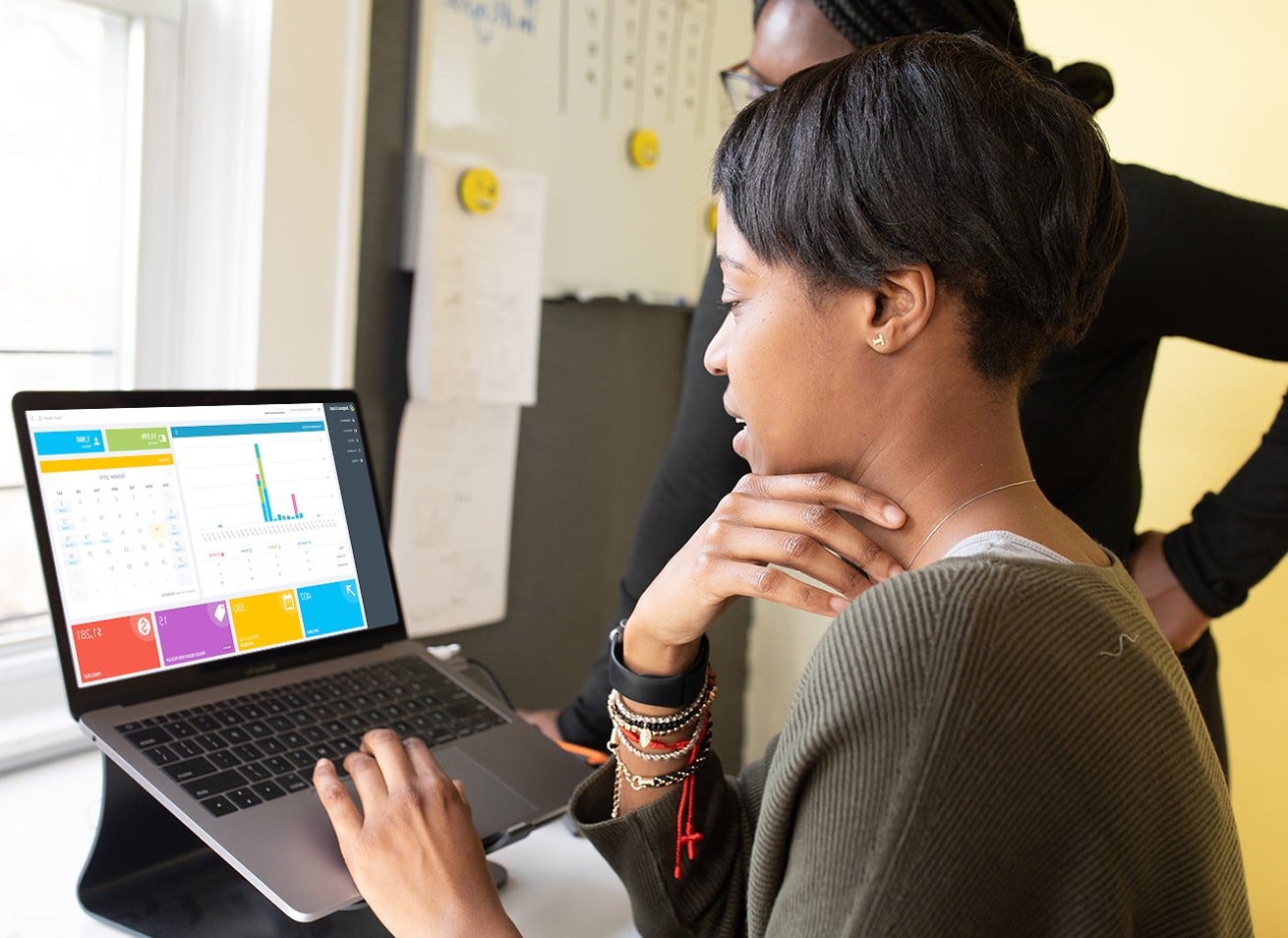
Fantastic software is just the beginning.Surpass users love our warm and friendly support.

© Surpass Software LLC | All rights reserved